
Livid WordPress Plugin
The Livid WordPress plugin allows you to:
- Switch out Vimeo embeds for Livid embeds in bulk
- Easily embed Livid videos using simple share links instead of HTML code
It works with WordPress, Elementor, WP Bakery, Bricks builder and Slider Revolution plugins*
Slider Revolution only supports embedding and not bulk update
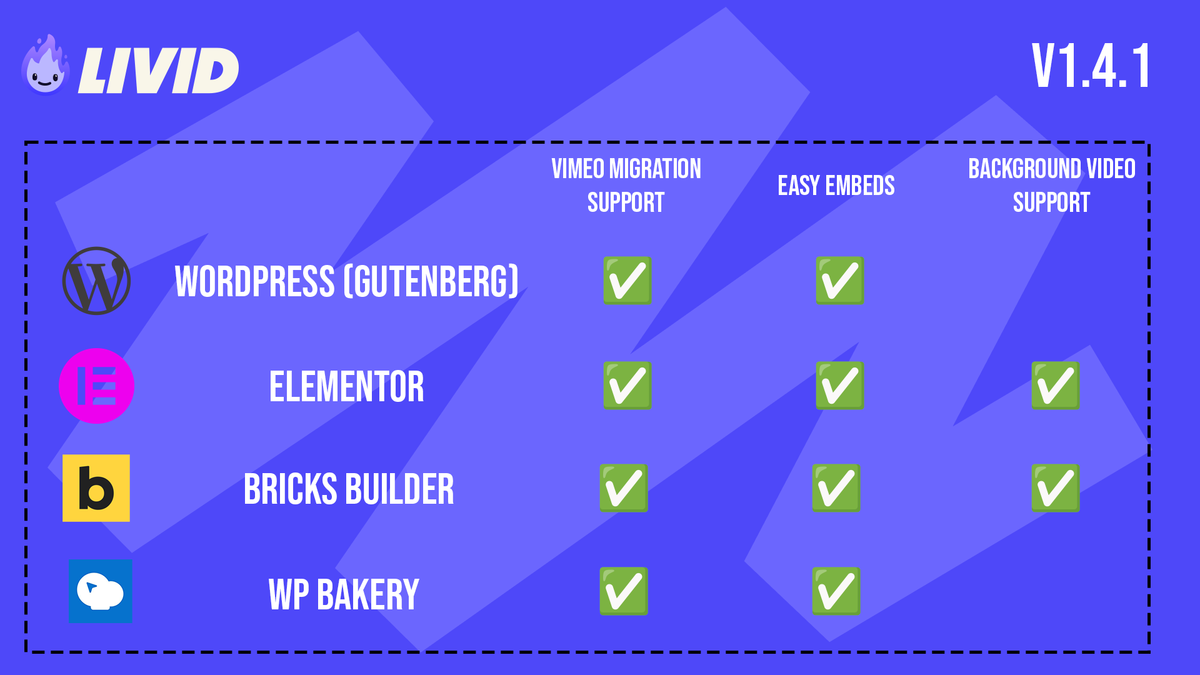
We also offer background video support in Elementor and Bricks
Installing the plugin manually
- You can download the plugin here. It's in a ZIP file. DO NOT extract the zip.
- From your WordPress site admin, navigate to plugins > Add plugin > Upload
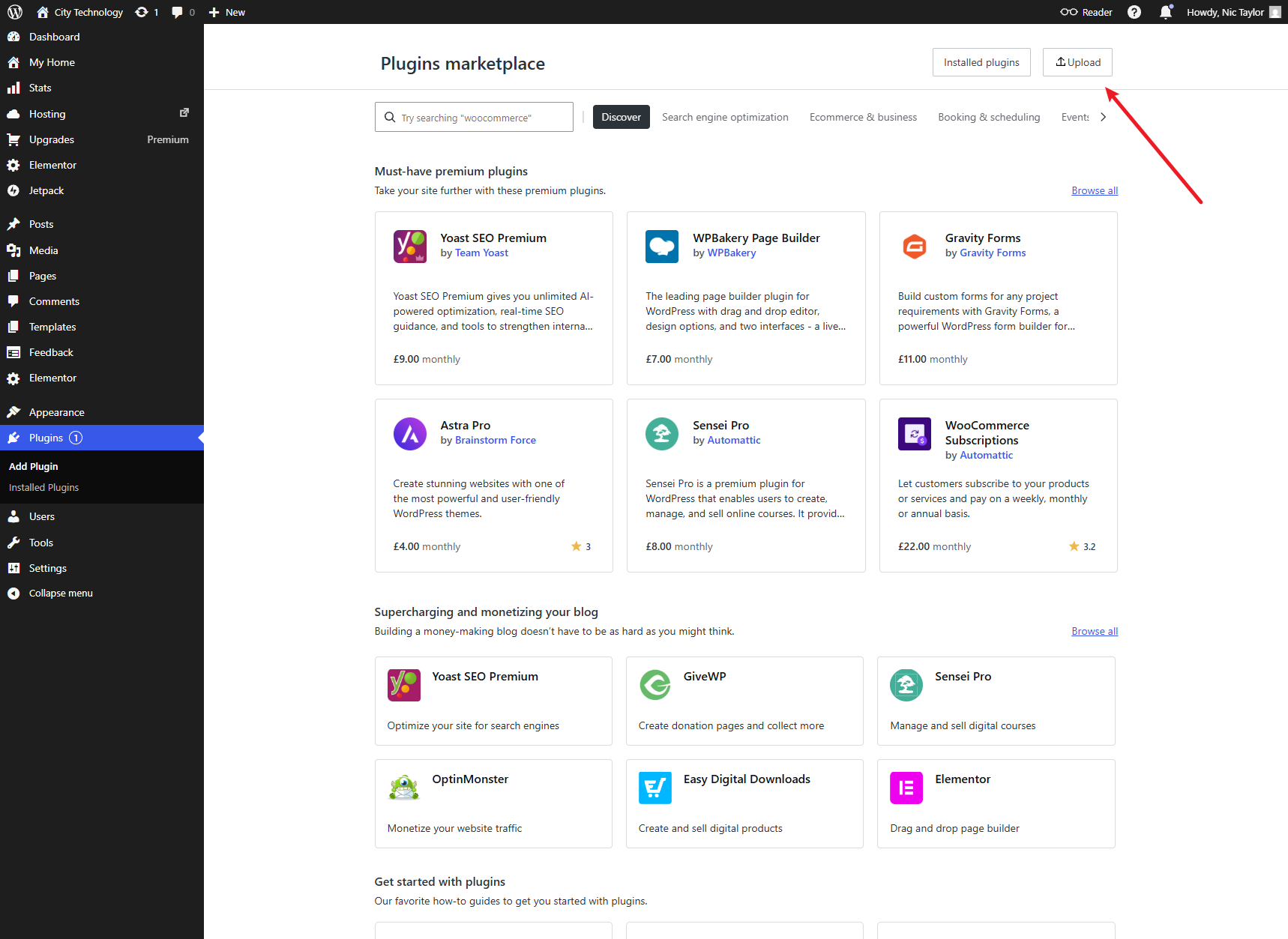
Drag and drop the Livid Plugin into WordPress

Bulk update your Vimeo embeds to Livid
Only videos which have been transferred into Livid directly via the LOVE tool are able to be swapped out using the WordPress plugin. Download the LOVE tool here
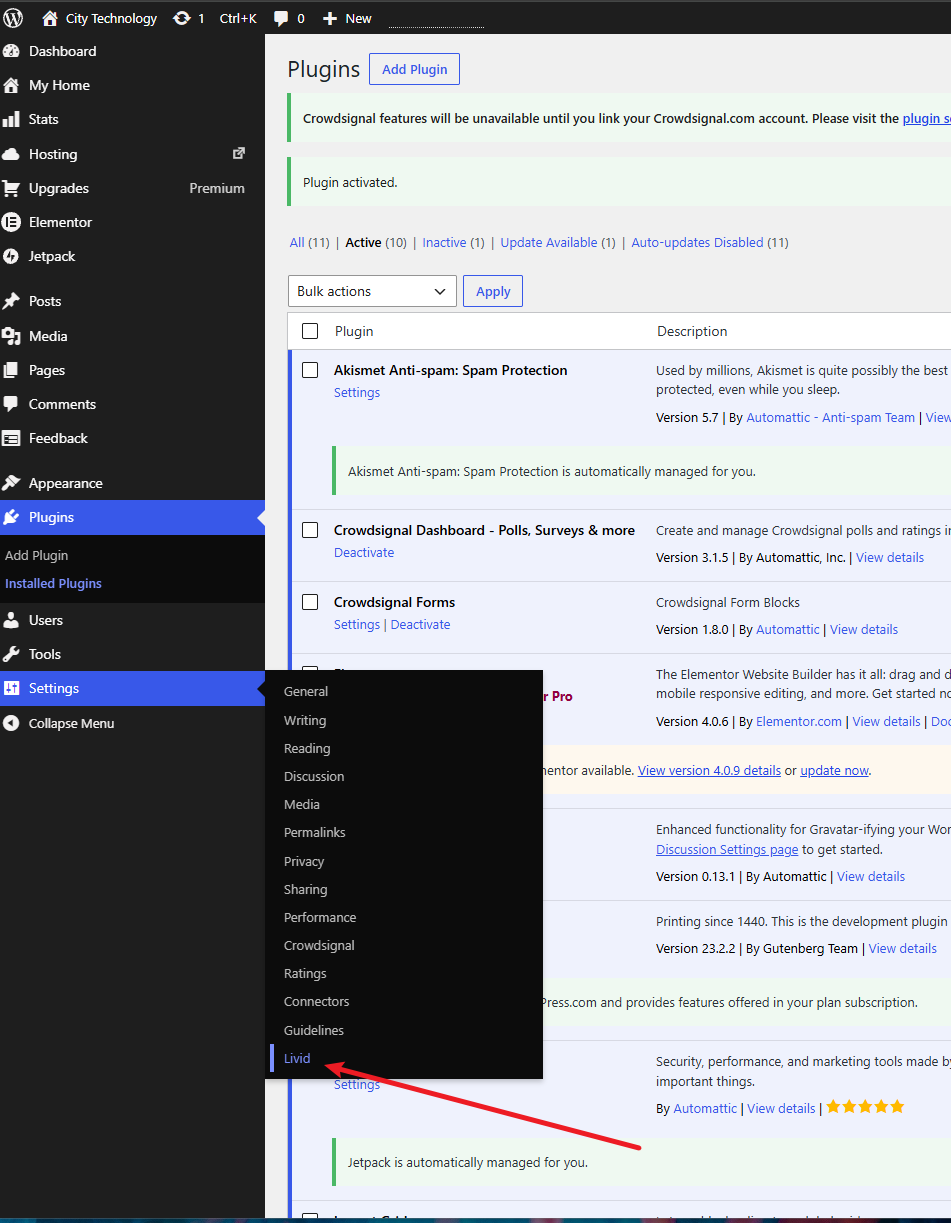
To update your Vimeo embeds to Livid, navigate to Settings > Livid
Trigger a search for your Vimeo videos
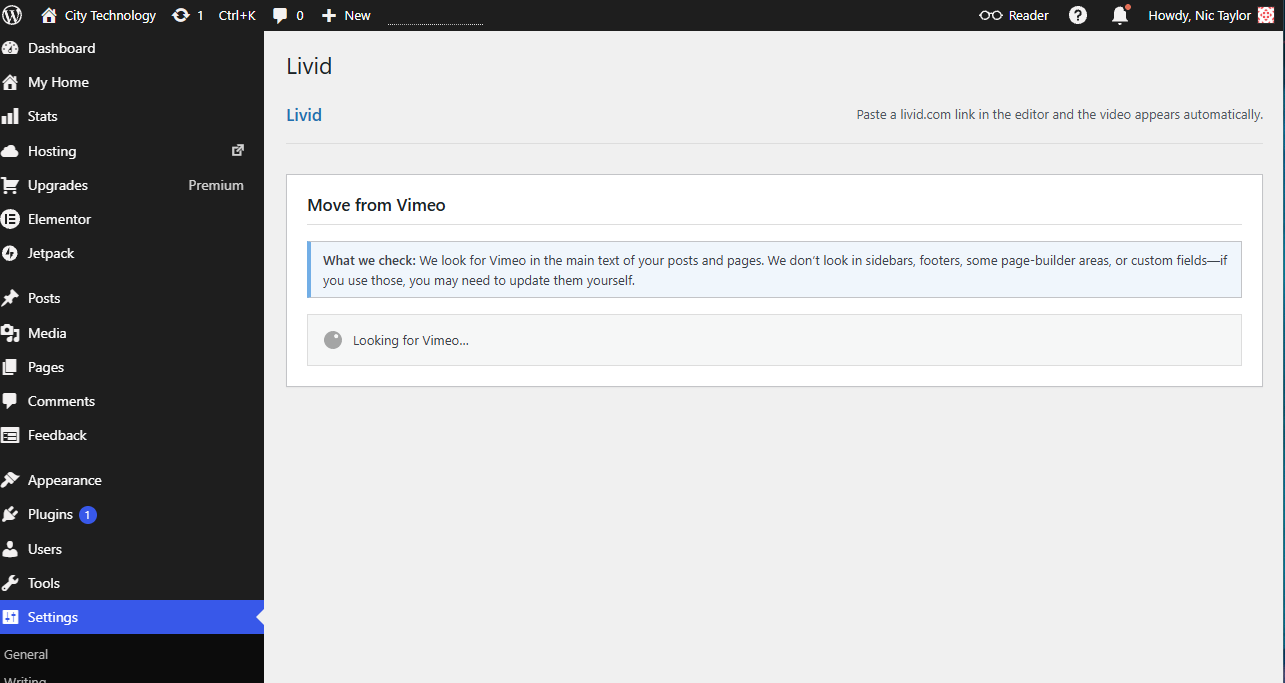
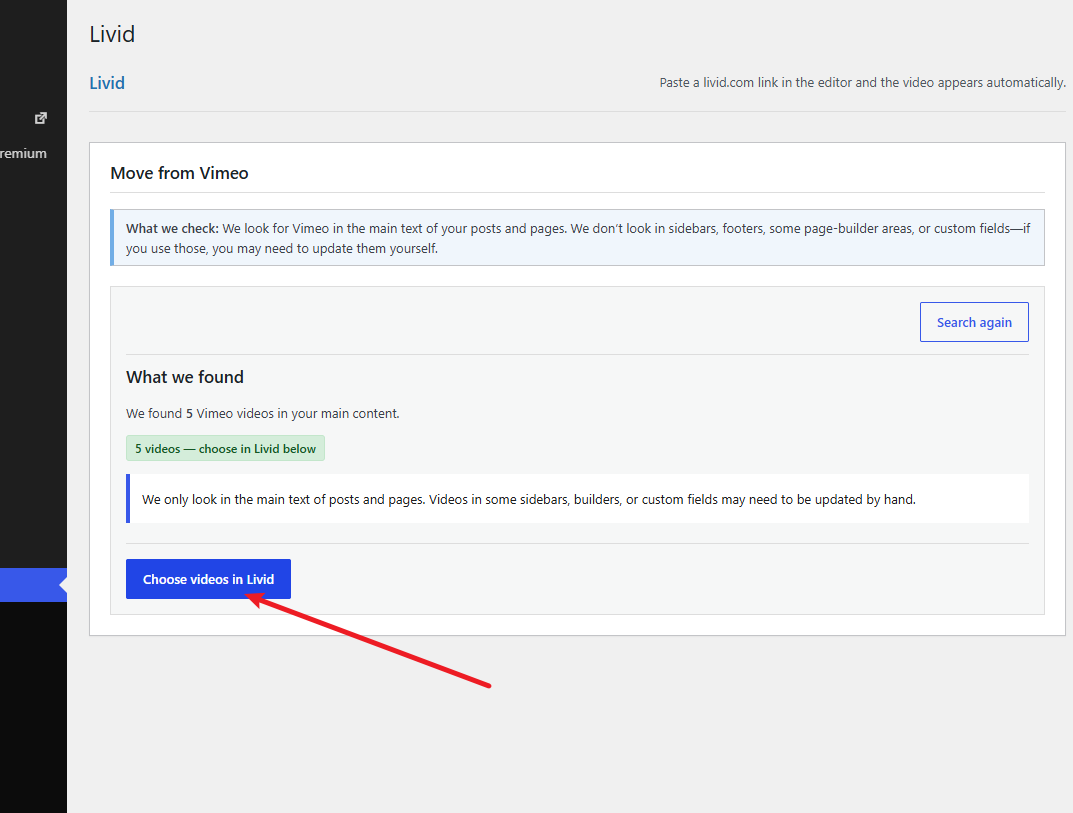
Once complete, the plugin will tell you how many Vimeo videos it has found. Select Choose videos in Livid to continue
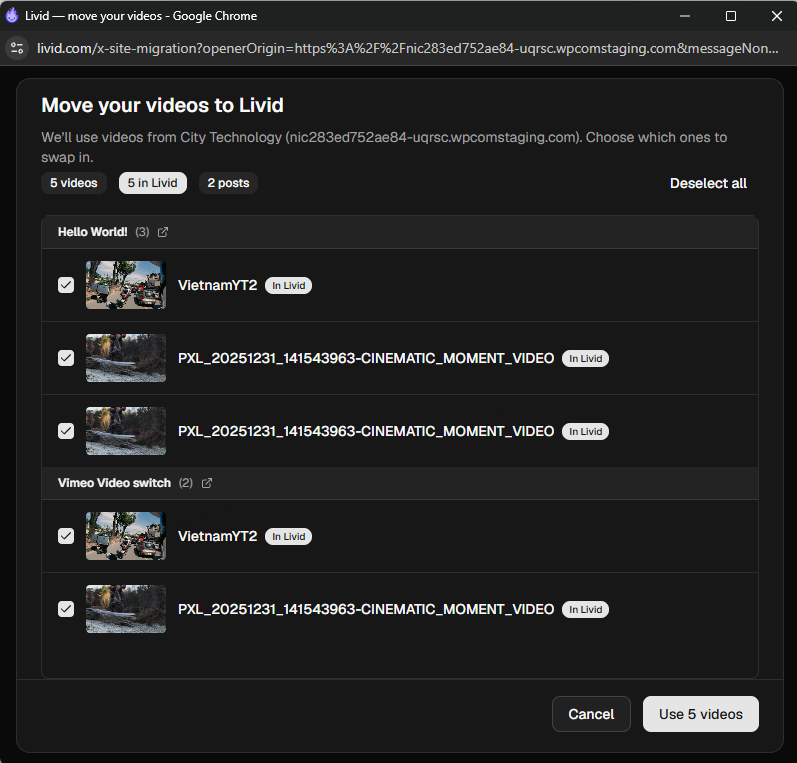
A new window will open. Here you can select the videos you wish to replace. If a video has been matched more than once you can select which versions you wish you change.
We recommend testing on a specific page/set of videos first. There are a lot of different ways a video can be embedded. While we strive to support the same methods as Vimeo, there may be instances where the new video behaves differently.
Once you have selected the videos you wish to switch, click Use X videos
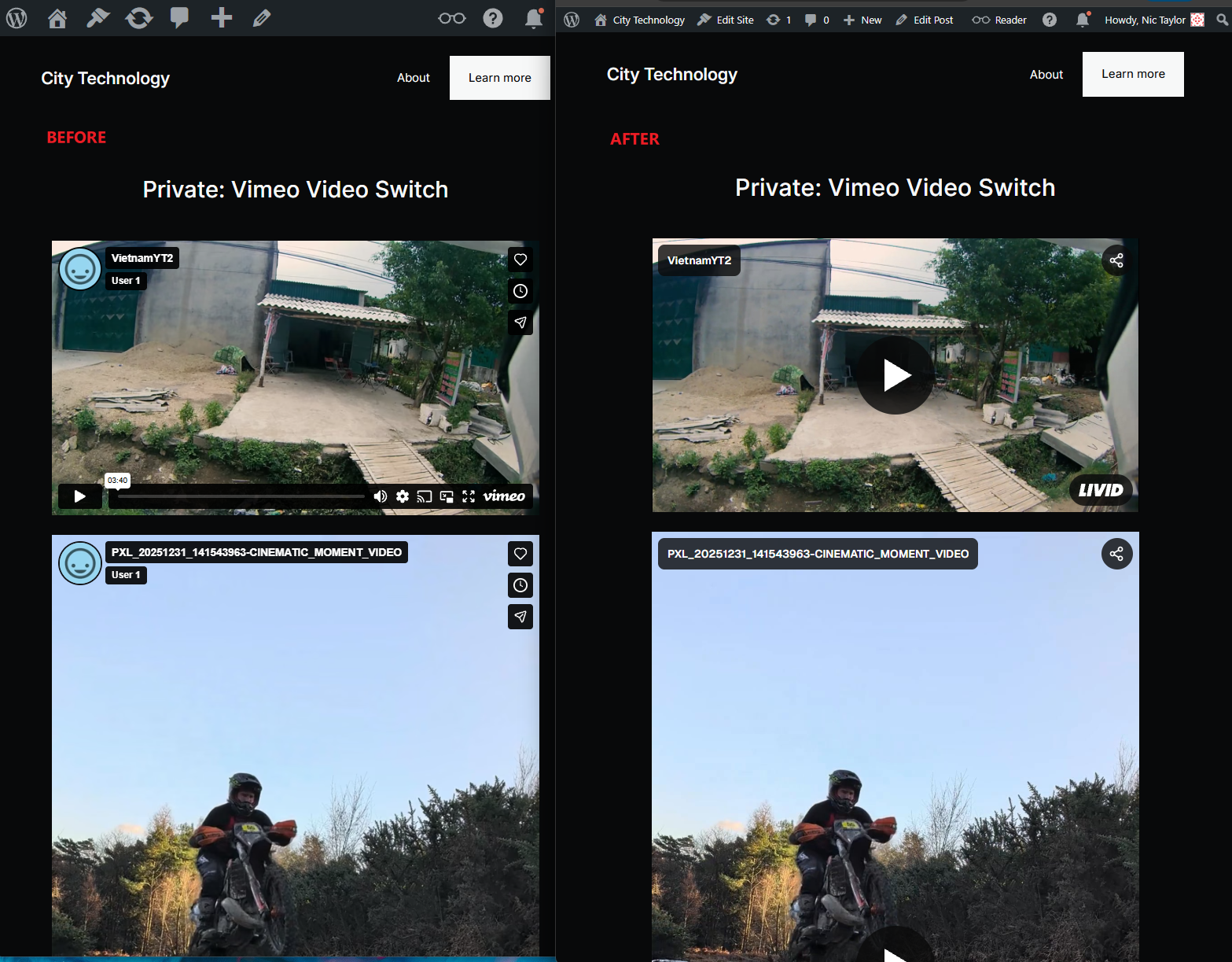
Once the process completes, any videos selected will have been update to Livid URLs:
Repeat the process as many times as needed. Backups are made of your pages so any problems can be reverted.
Embedding a video using the Livid plugin
With the Livid plugin installed you can simply copy and paste the share link for a video into your Wordpress site
Make sure your video is not set to Private and that embedding is enabled
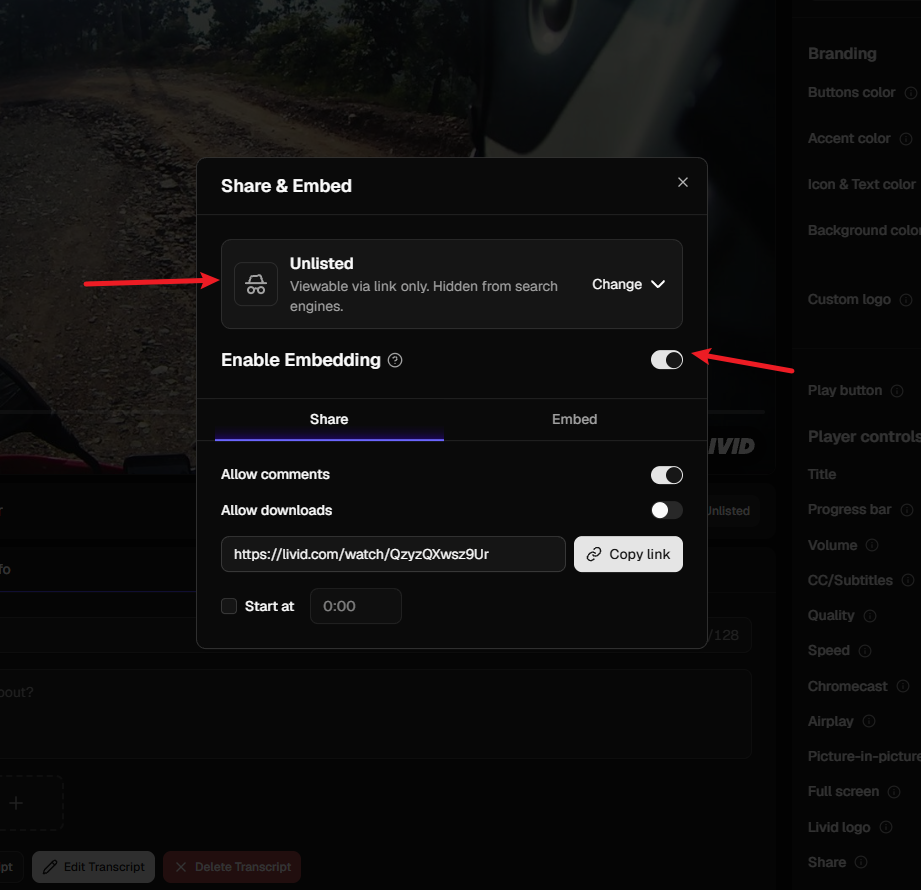
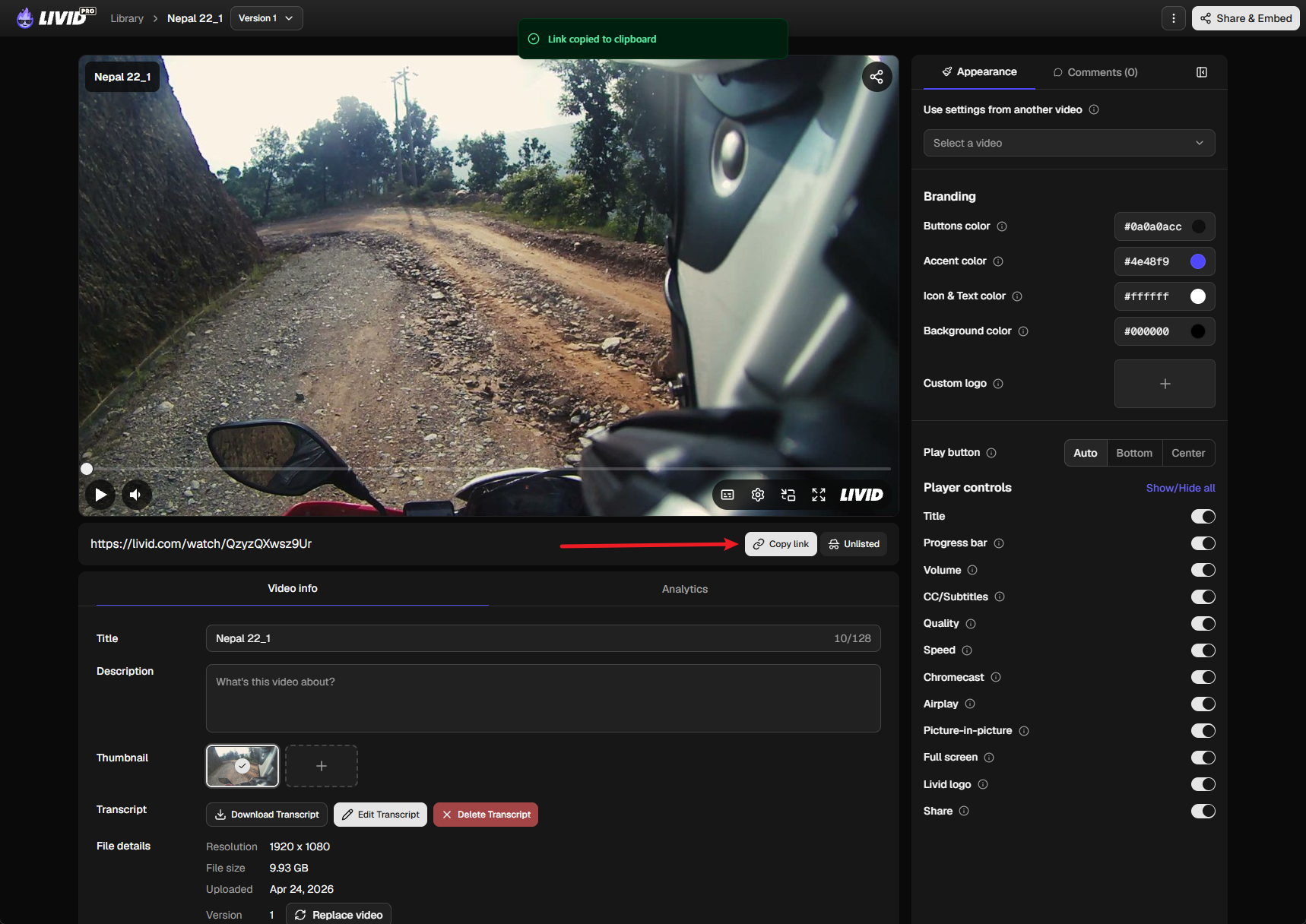
Copy the share link for the video:
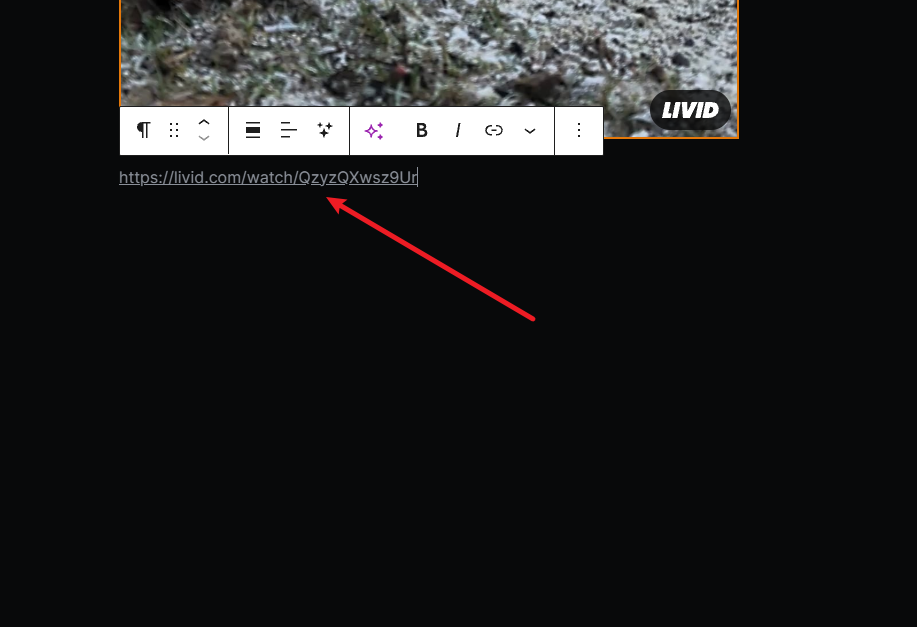
Paste it into your wordpress site. It will immediately fetch the video.
For more advanced embedding options you can use the embed code detailed here