
Teams
Livid offers a Premium plan, for users who need more advanced features, such as multiple seats on one account. A Premium plan gets you 4 additional seats, for a total of 5.
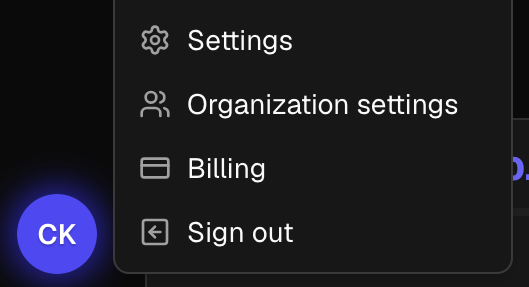
Once on a premium plan, you can access and manage your organization settings by clicking your initials at the bottom left of the dashboard, then clicking "Organization Settings".
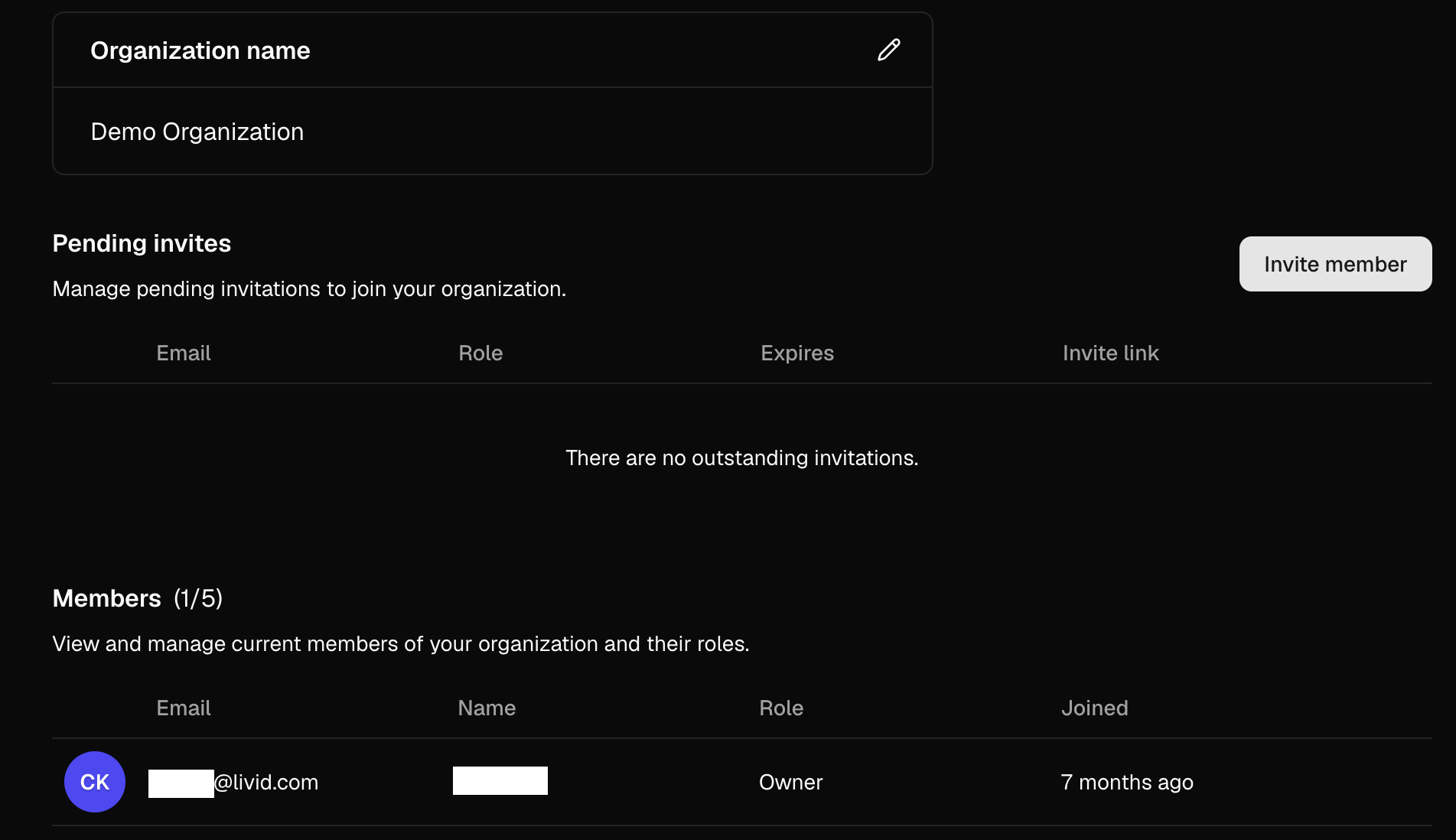
On the organization page, you can name your organization by clicking the pencil icon, invite new members, and manage existing members.
Important: When inviting a new member, be sure to select either "Member" or "Admin" depending on the level of access you'd like to grant that seat.
Seats with the Admin role can do everything you can do in the organization- manage billing, create invitations, and change member roles.
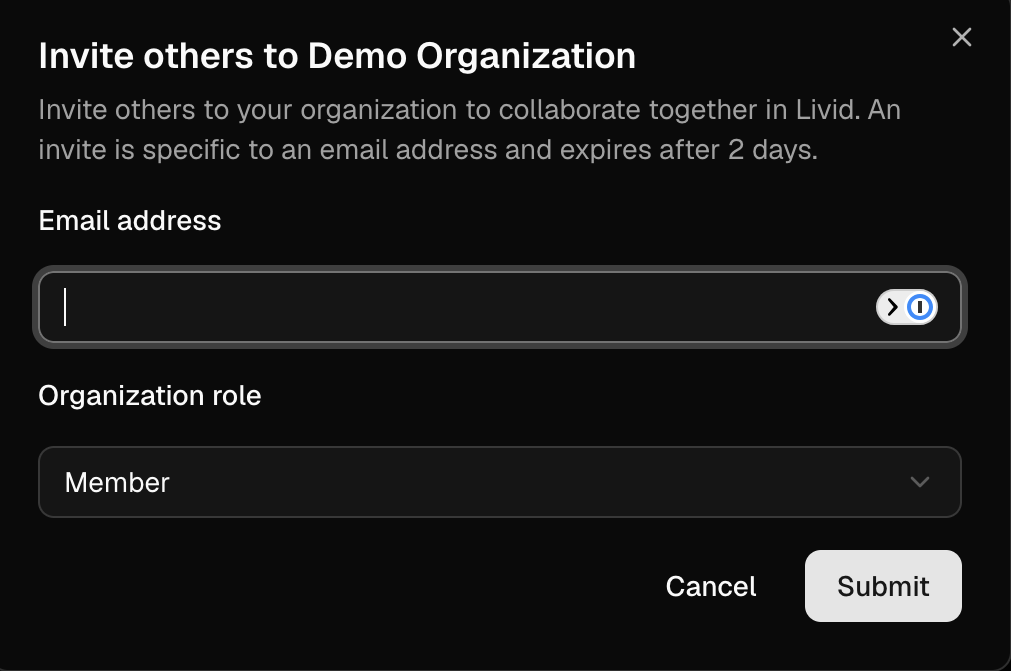
Once your other users accept the invite (note that these invites expire in 2 days), you will see them under the Members section of your organization page. From there you can change their role or remove them from the organization, and they can immediately start using Livid as part of your team!